Teevo

Technical Specifications

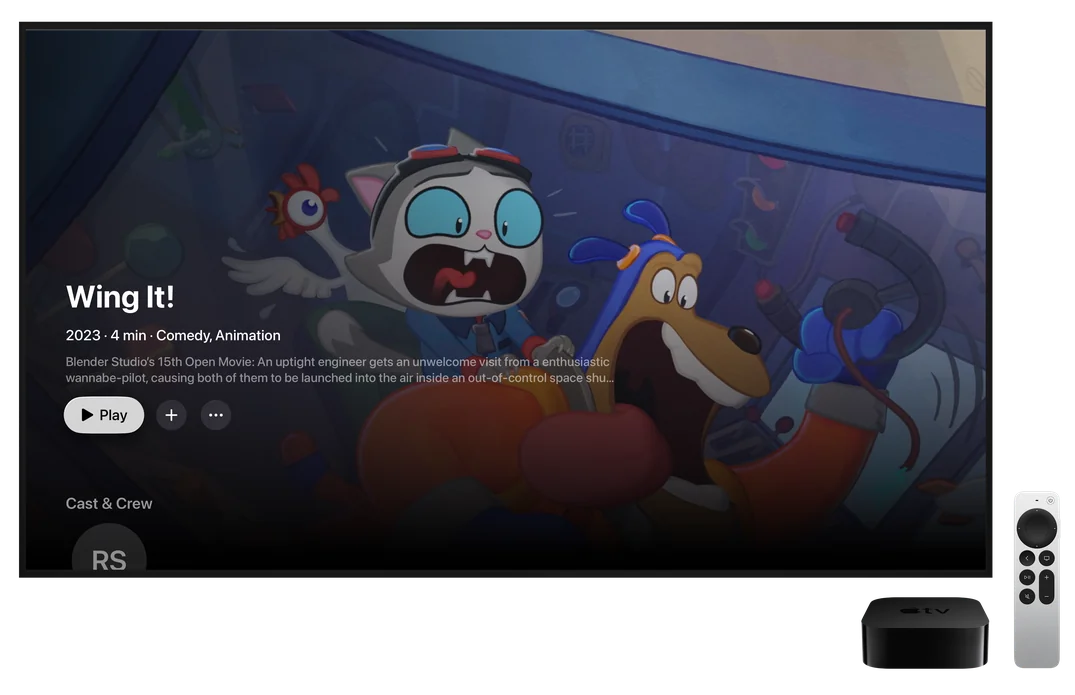
Wing It!’s page in Teevo on Apple TV

Apple TV

tvOS 18 or later

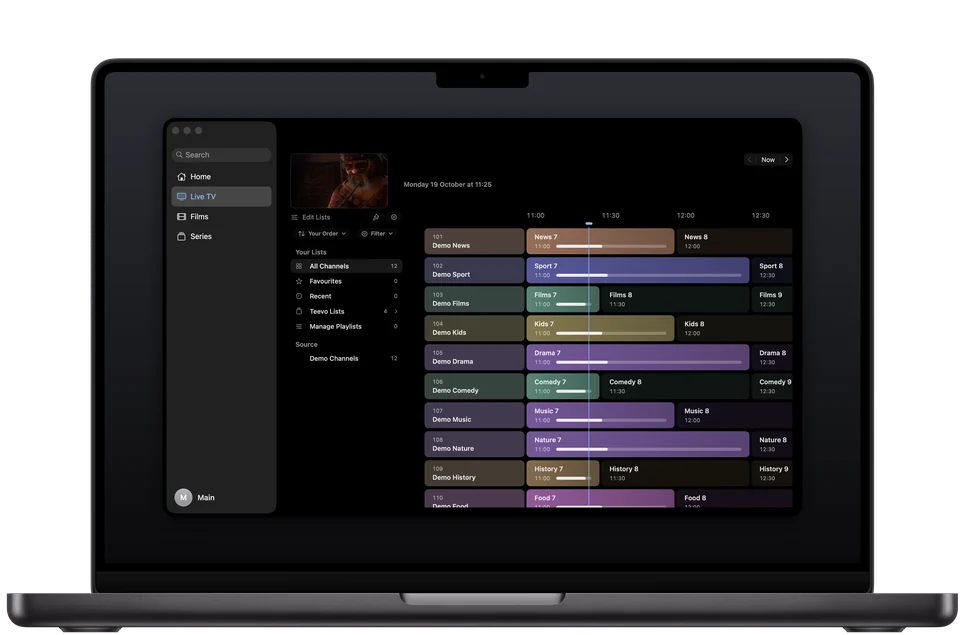
Teevo’s guide on a MacBook Pro, with the sidebar and channel lists

Mac

macOS 15 or later

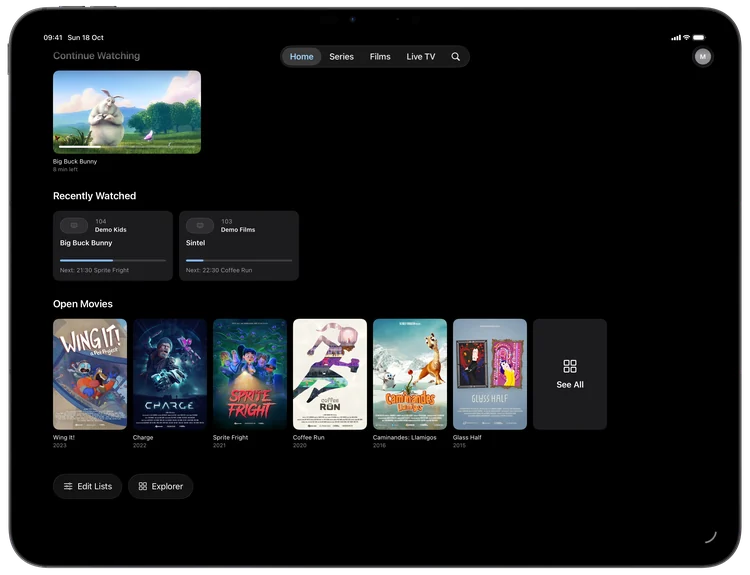
Teevo Home on iPad with Big Buck Bunny in Continue Watching

iPad

iPadOS 18 or later

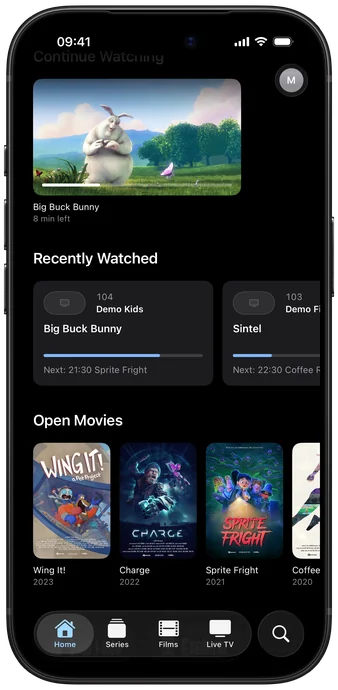
Teevo Home on iPhone: Continue Watching and Open Movies posters

iPhone

iOS 18 or later

Network Protocols

TV providers
Add your TV provider’s Xtream Codes account or M3U playlist, with its XMLTV guide, over https or plain http.
SMB
Play films and series from a NAS drive or a computer on your network, signed in or as a guest. Servers that announce themselves are listed to pick from.
WebDAV and web folders
Add a WebDAV folder or a web server’s folder listing, at home over plain http or anywhere over https. Films and series are recognised from their names.
Files
Add a folder from Files or Finder, or open a video or .strm file with Teevo to play it straight away.

Media Servers

Plex, Jellyfin and Emby
Watch the films and series on your own server, at home over plain http or anywhere over https. Plex signs in with a code on your phone.
Add-ons
Add compatible add-ons for catalogues, streams, subtitles and live channels, or sign in to Stremio or Nuvio to bring your library across.

Playback

Players
Apple Player, Native and VLC. On Automatic, each film or episode goes to the player that plays its format best.
Skip Intro
Skip intros, recaps and credits, and the next episode starts after a countdown. Where your source doesn’t mark them, intros and credits are learned on your device from the music episodes share.
Picture in Picture and AirPlay
Keep watching in a small window while you use other apps. On iPhone and iPad, send the picture to an AirPlay TV.
Match Frame Rate
In full screen, the TV switches to each stream’s frame rate, so movement looks as it was filmed.

Subtitles

Audio and subtitles
Set your languages once, and the right sound and subtitles are chosen. Subtitle files beside your videos and from add-ons are found too, in the style you choose.
Generated subtitles
Where a film or episode has no subtitles in your language, Teevo writes them from what’s said, and can translate them, on your device.

Live TV

Guide
Move through channels and the next 24 hours, jump back to now, and open any programme for its details.
Extended EPG (Plus)
See everything your provider lists, beyond the next 24 hours.
Pause Live TV
Pause a channel and pick it up again, as far back as the channel allows. Live Rewind can keep up to 4 GB on the device to move back through.
Catch-up
Start any programme from the beginning, and catch up on what you missed.
Multiview
Watch up to four live channels at once, with the sound from the one you choose.

Your data

Sync (Plus)
Your sources and their sign-ins, favourites, channel lists, playlists and profiles with their pictures reach each of your devices, Apple TV included, end-to-end encrypted in your iCloud. Continue Watching, Saved for Later, Home’s lists, reminders and your guide, language and player choices stay the same on each one too.
Backup
Save your sources, lists, settings and profiles to a file or to iCloud, and bring them back on any device. Sign-ins go in only if you choose, sealed with a passphrase.
Sign-ins
Passwords and sign-ins are kept in the Keychain on each device, and diagnostics never include them. With Teevo Plus and Sync Across Devices, they reach your other devices end-to-end encrypted.
Advertising
Teevo shows no advertising. Teevo Plus pays for its continued development.
Languages and access

Languages
Teevo is in English, Arabic, German, Spanish, French, Brazilian Portuguese and Turkish, and follows your device’s language.
Accessibility
VoiceOver actions on cards, more room for larger text, and less motion when Reduce Motion is on.