
Practical guide ·
Split keyboard on iPad: what works on each model
Looking for a split keyboard on your iPad? Apple’s built-in split option depends on your model. If it is unavailable, a third-party app can provide a separate split keyboard.
By Amberlake, maker of SplitKeyboard. Written with AI assistance and checked against the product implementation and the sources below. This is our own product guide, not an independent review.
Check the built-in option first
Apple’s keyboard support guide lists iPad mini and iPad (9th generation and earlier) for its split keyboard. If you already have two halves and want one keyboard again, hold the keyboard button at the bottom right, then choose Merge or Dock and Merge.
If your model is an Air or Pro, the missing Split option is not something SplitKeyboard can enable inside Apple’s keyboard. Our app installs a separate keyboard that you choose when typing.
Floating and split solve different problems
A floating keyboard is one small movable keyboard. A split keyboard puts the keys into two banks. If you are holding an iPad with both hands and reaching for centre keys, a small floating keyboard may not be the arrangement you were looking for.
To make Apple’s floating keyboard full-size again, spread two fingers on it. Apple also documents a More menu with a Full option. These are Apple keyboard gestures; a third-party keyboard may use gestures differently.
What SplitKeyboard adds
SplitKeyboard by Amberlake is an on-screen keyboard app for iPad, including supported Air and Pro models. You can keep the keys joined or split them, move the halves inward toward your thumbs, and adjust key height and vertical position separately. It keeps separate fits for joined and split typing in portrait and landscape.
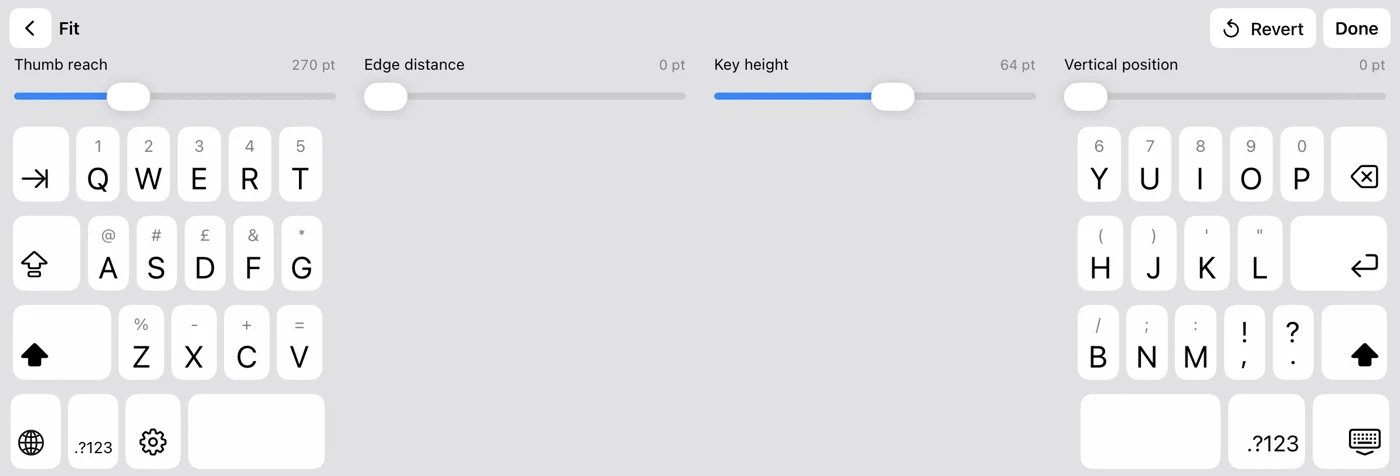
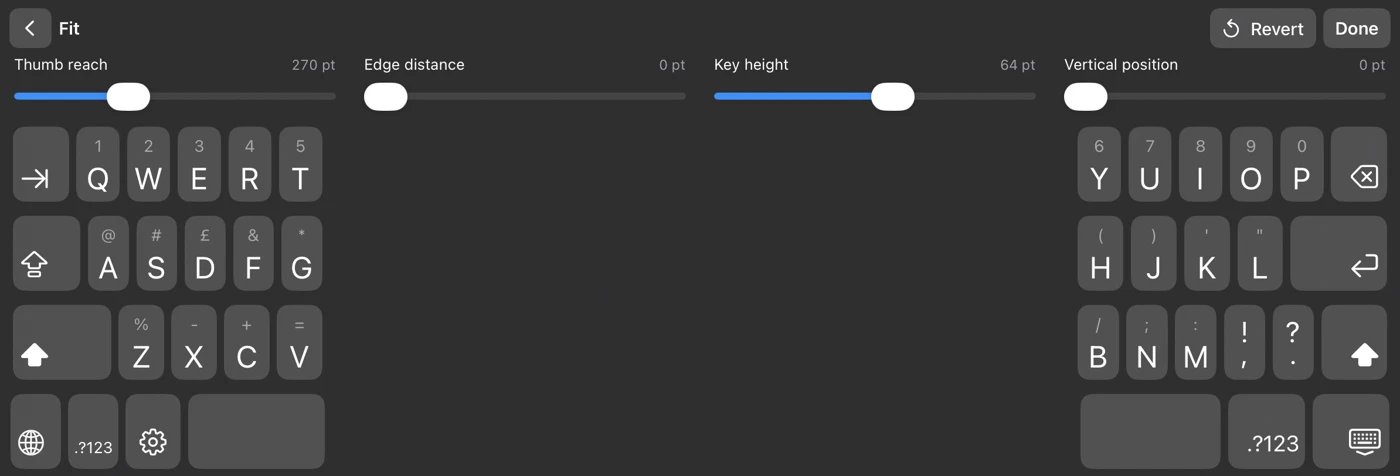
The difference is in the fit controls: splitting the keyboard does not mean the halves have to stay against the sides of the screen. The thumb-typing fit guide walks through reach, height and position one at a time.
What to check before choosing a keyboard app
- Try your own grip. Reach to the centre letters and use Space, Delete and Return. Test portrait and landscape.
- Check the typing features you rely on. SplitKeyboard does not currently include autocorrect, word predictions, swipe typing or dictation.
- Check the app you want to type in. Passwords, some phone fields and apps that block third-party keyboards use Apple’s keyboard.
- Check the purchase. SplitKeyboard’s in-app preview is free with no time limit. Typing in other apps requires a one-time unlock: £4.99 in the UK, with local prices shown by Apple.
Try it without committing to the fit
Open the official SplitKeyboard App Store listing, install the app and try its preview. No account or Full Access is needed, and the keyboard does not collect your typing. The setup instructions explain how to add it to iPad’s keyboard list if you decide to unlock it.
If you send feedback, tell us which iPad and orientation you use and which keys feel hard to reach. That is more useful than simply saying the keyboard feels too big or too small.
Sources and scope
Apple: If your iPad keyboard appears small or is split in half (published 10 October 2025; checked 27 September 2026). SplitKeyboard details describe version 1.01. This guide covers on-screen typing, not physical split keyboards.