
Split Keyboard
done properly.
Type comfortably on iPhone, iPad and iPhone Duo.

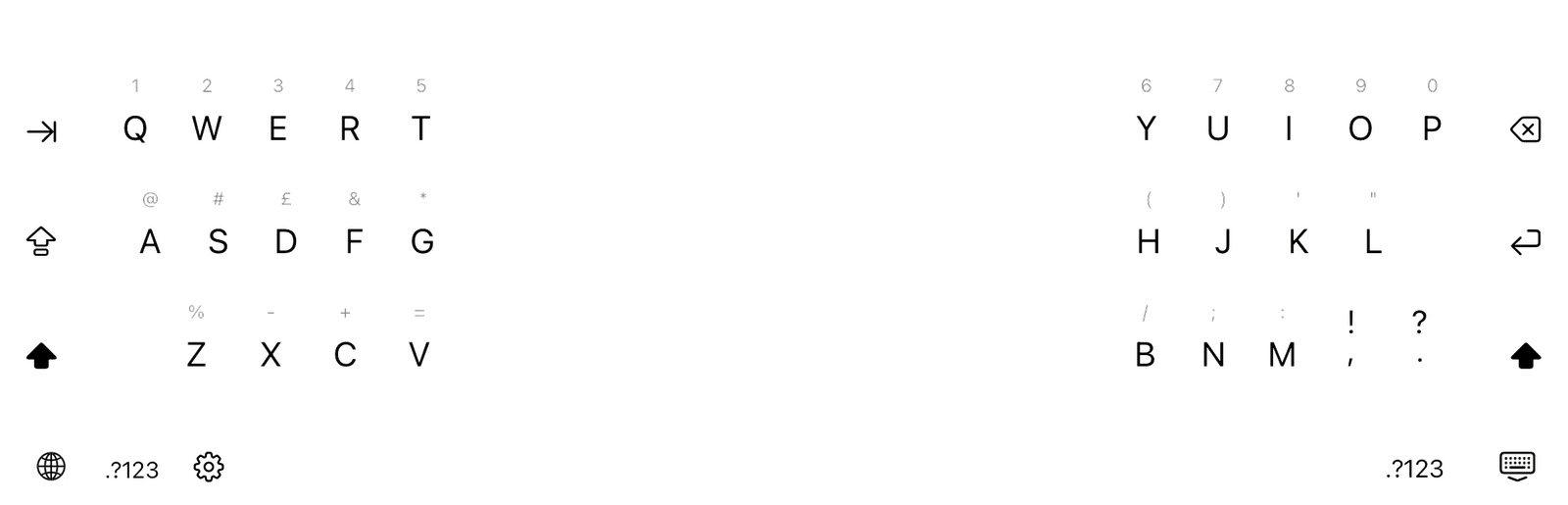
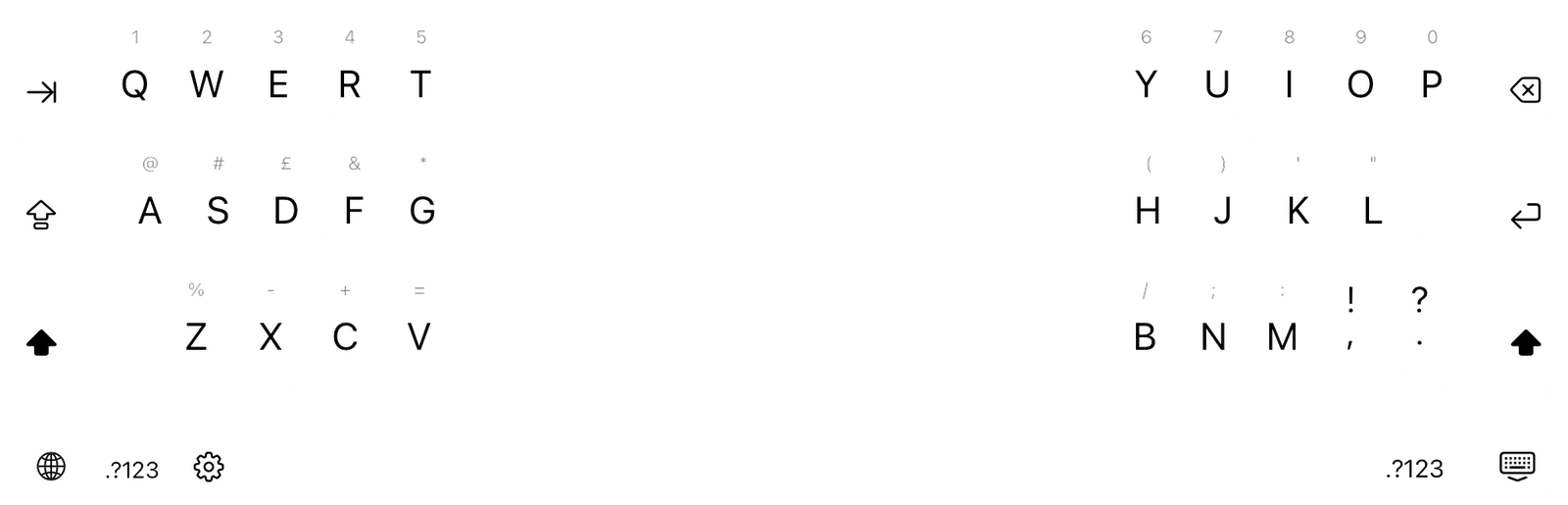
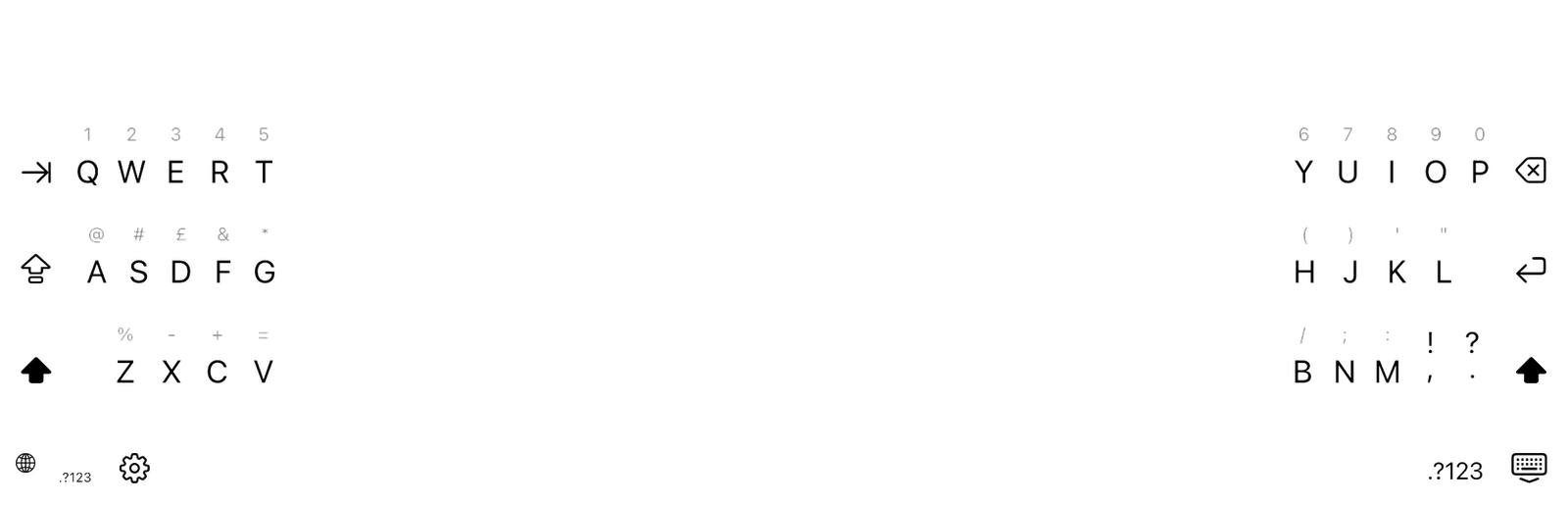
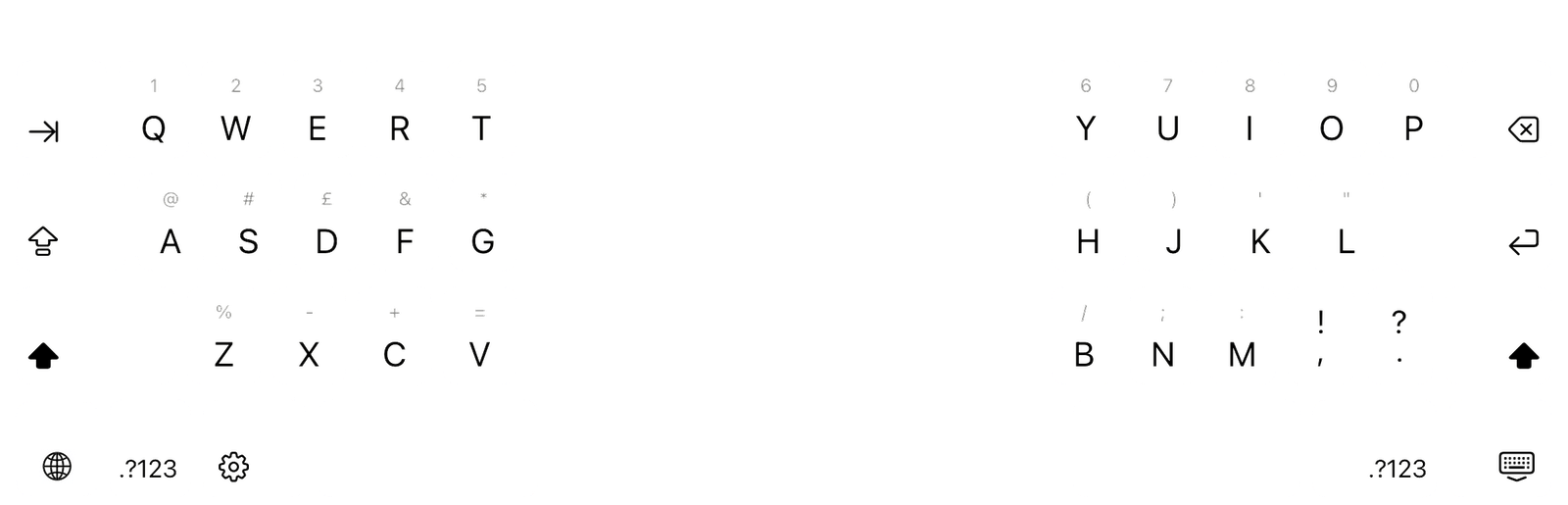
Two thumbs
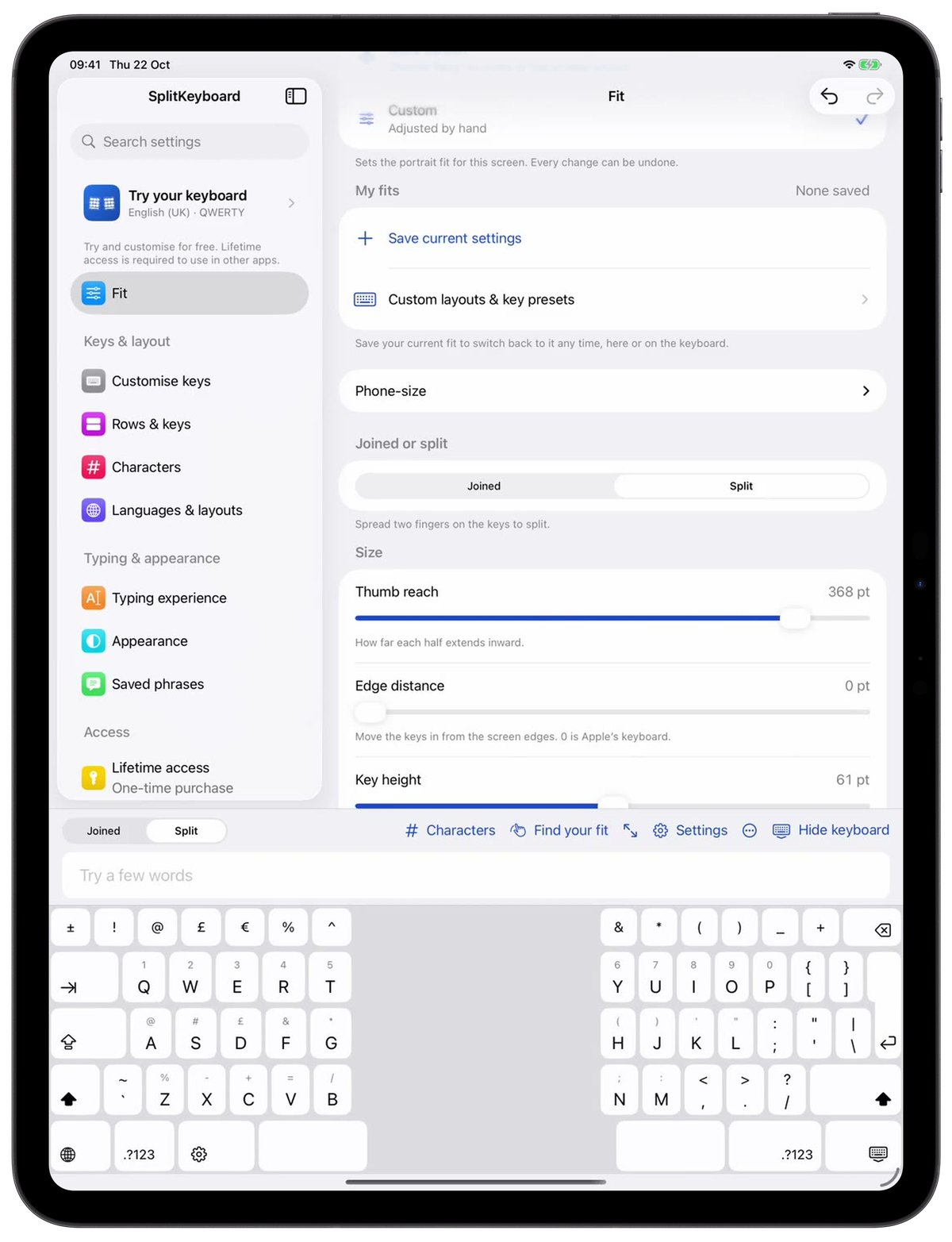
On iPad
Customise the exact size and height of your keyboard, to fit your hands perfectly.
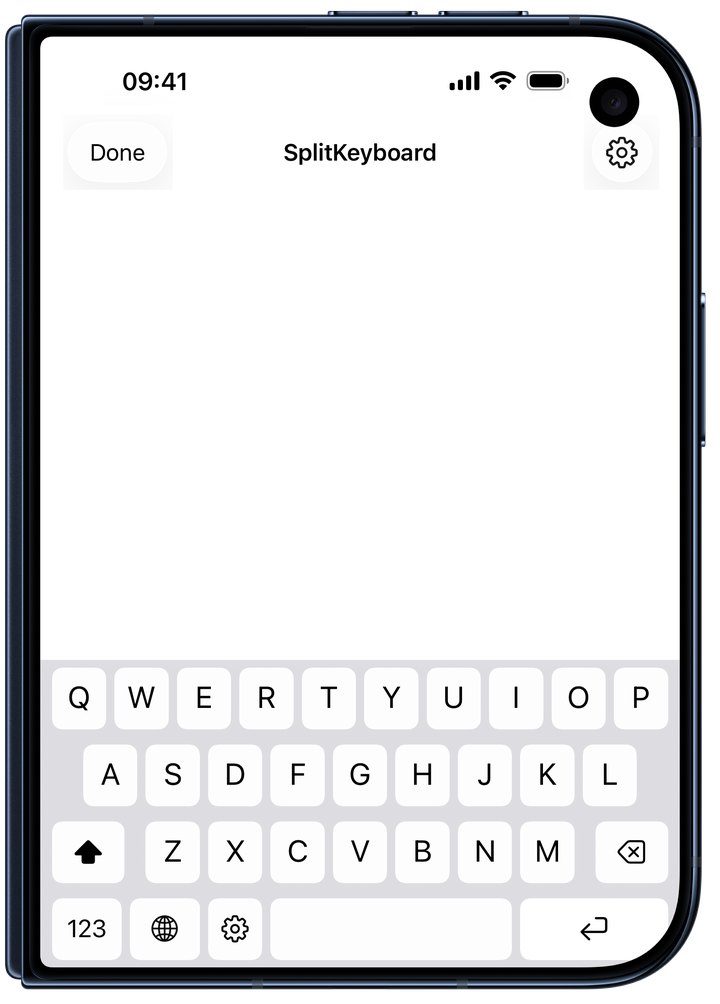
On iPhone Duo
Closed, it types like any iPhone keyboard.

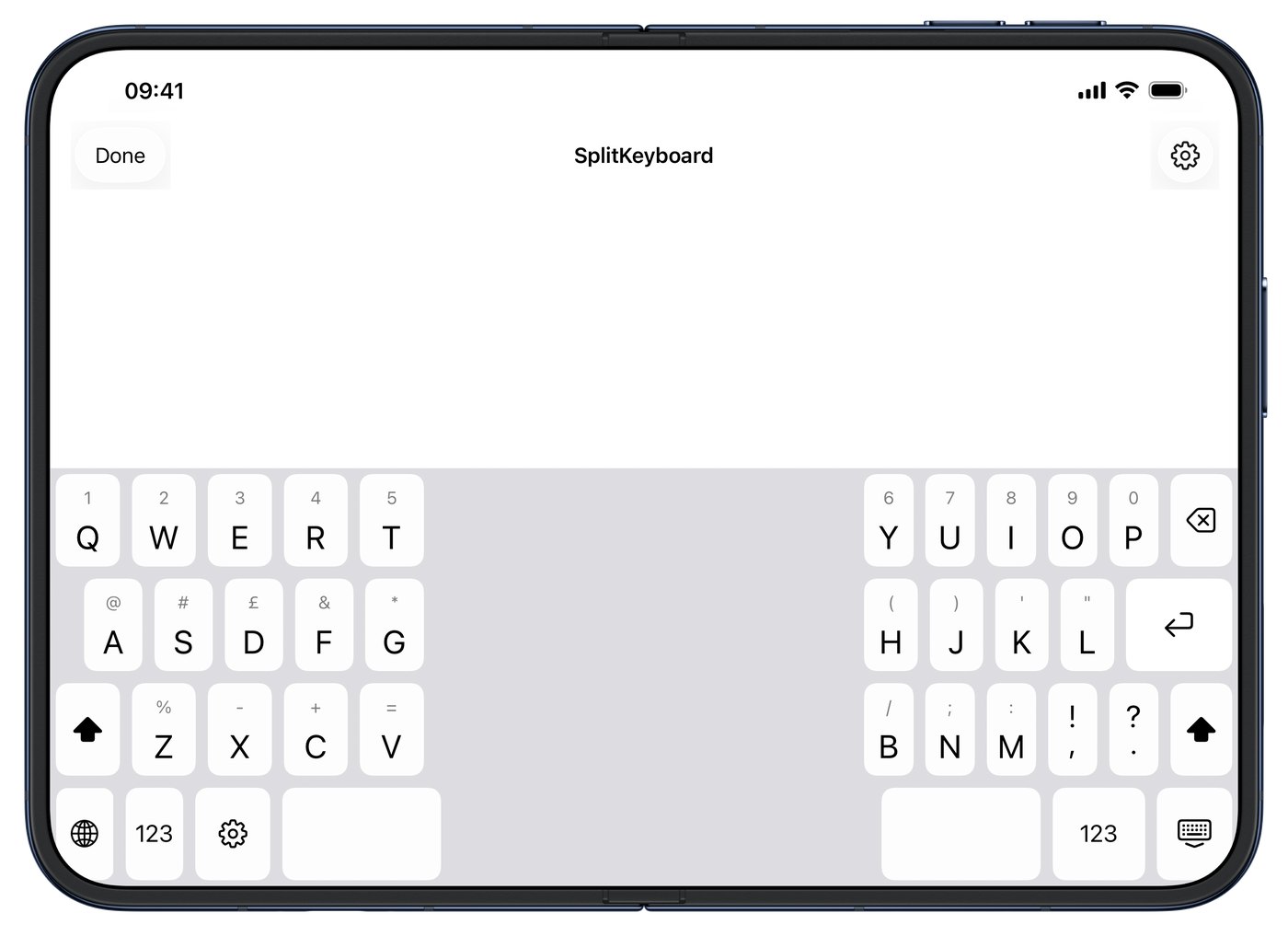

Feels like it came with your device
Table for 2
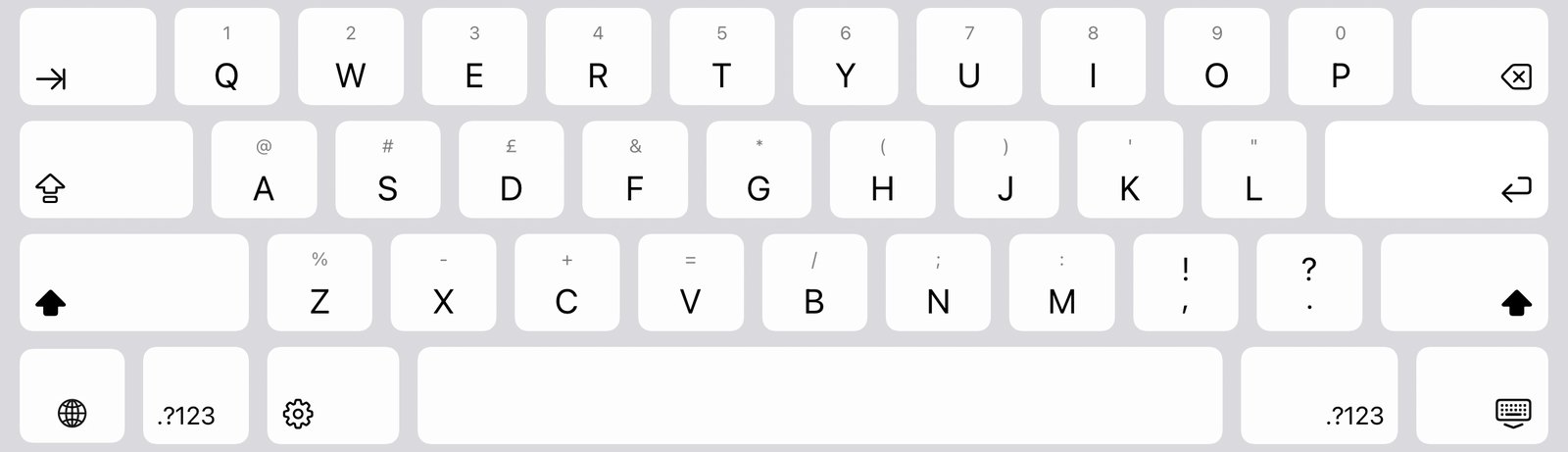
Pull down for numbers
Pull down on any letter to type the number or symbol shown above it, just like on iPad.
Say hello
Swipe to type
Slide across the letters to type a word. It’s optional and English only for now.
Meet at the café
Hold for accents
Hold a letter, slide to the accent you want, then let go.
Running ten minutes late

Space moves the cursor
Hold the space bar and slide. The keys go quiet and the cursor follows your finger.
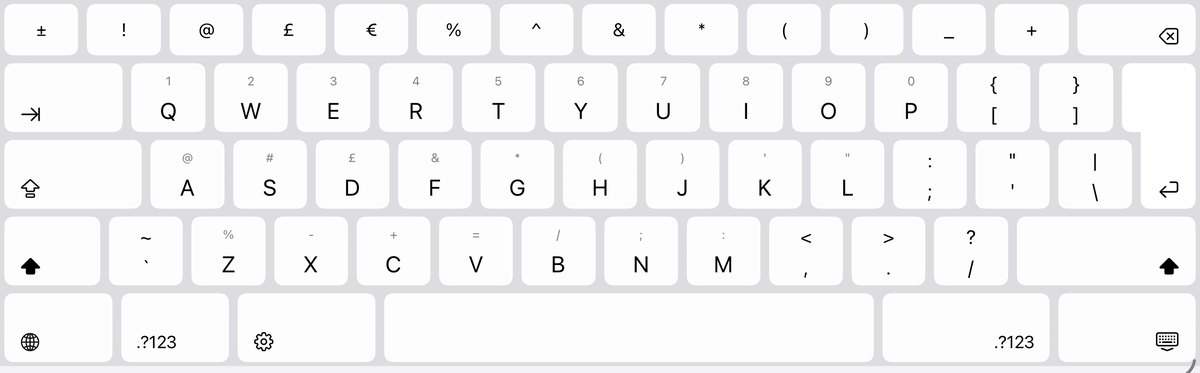
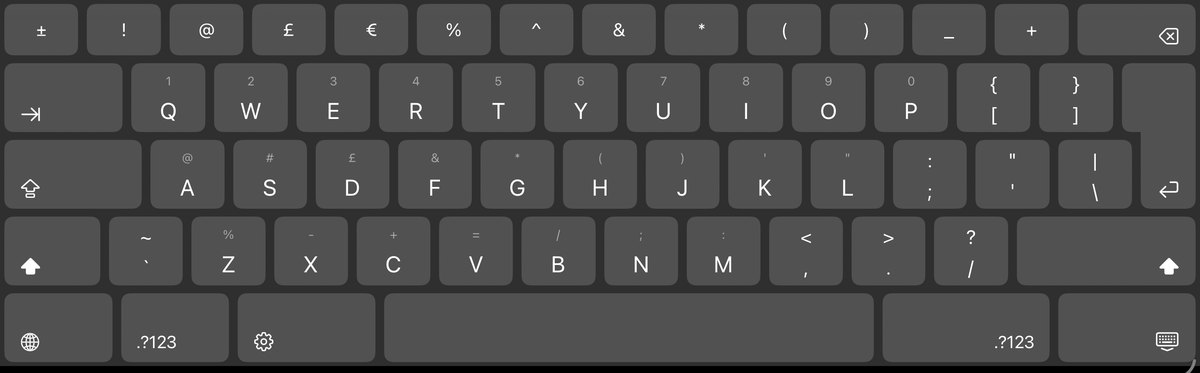
Light or dark
Choose light or dark, or follow your device. The keys change with it.
On my way
Smooth at 120 Hz
Keys respond the moment you touch them, even at the screen edges, and the keyboard moves at up to 120 Hz on ProMotion displays.
When it helps
Holding your iPad in both hands
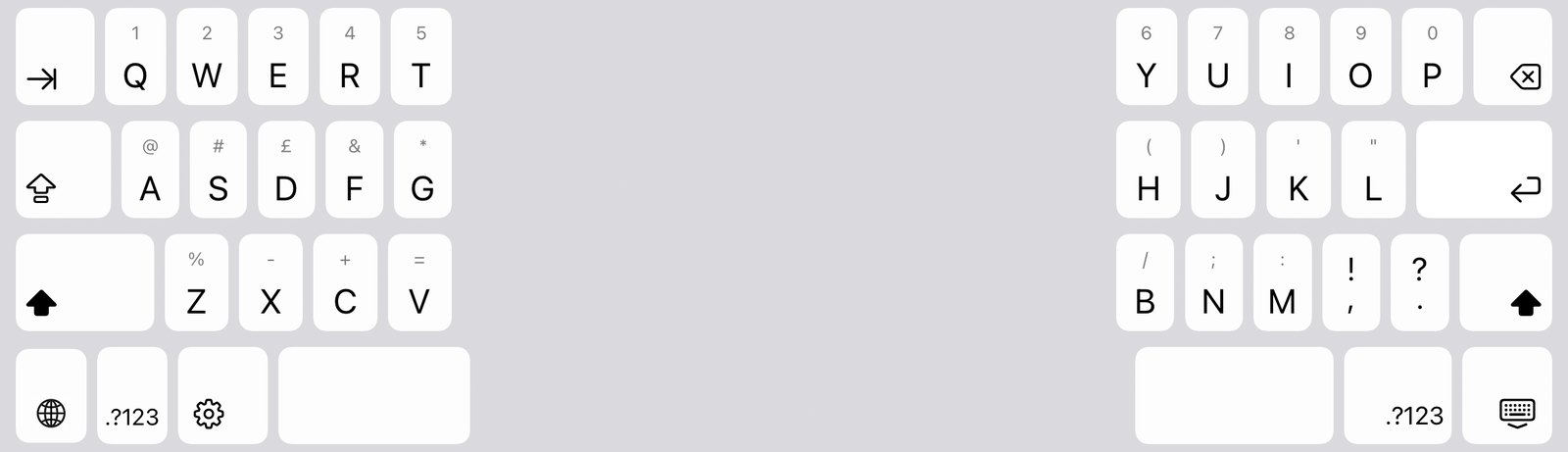
Each half sits under a thumb, so you type without letting go.
Typing on a big iPhone
Split the keys, and each thumb only has half the width to reach.
Lying back on the sofa or in bed
Raise the keys a little so they stay within easy reach.
One hand on your phone
Move a narrower keyboard to one side and type with your thumb.
Fifteen languages supported, so far…
Choose one to see its keyboard. Arabic, Hebrew, Persian and Urdu type from right to left, and Vietnamese uses Telex or VNI.
All features
Typing
- Pull down on a key for its number or symbol.
- Hold a letter for its accents.
- Hold Space and slide to move the cursor.
- Swipe typing, optional and English only for now.
- Word suggestions from your device, if you want them.
- Saved phrases one tap away.
- Keys that respond at once, even at the screen’s edges, and motion at up to 120 Hz.
- Key sounds, on or off.
Fit and comfort
- An ergonomic split keyboard with a half under each thumb.
- Set the height, reach and spacing yourself.
- Presets such as Two thumbs, Larger keys, More screen and Lying down.
- A one-handed keyboard on iPhone, on either side.
- Save your own fits and swap them from the keyboard.
- Search every setting by name.
- Light and dark mode.
Keys and layouts
- QWERTY, AZERTY, QWERTZ, ABC, Dvorak and Colemak.
- Custom keys: swap any key for another.
- Add a number row, arrow keys or a Tab key.
- Punctuation, currency and maths pages.
- Your own characters, arranged by dragging.
- Optional hidden keys in the centre gap for thumbs that reach across.
- Switch keyboards with the globe key.
Languages
- Fifteen languages, each with its own layout.
- English, French, German, Spanish, Italian and Portuguese.
- Dutch, Swedish, Norwegian and Danish.
- Arabic, Hebrew, Persian and Urdu, typed right to left.
- Vietnamese with Telex or VNI.
- Add a language straight from the keyboard.
iPhone, iPad and iPhone Duo
- A thumb keyboard on iPhone, split upright or sideways.
- Raise the keys on iPhone so your thumbs reach them.
- On iPad, spread two fingers to split and pinch to join.
- Split the keys on iPad Pro and iPad Air too.
- A Phone-size keyboard on iPad, at the left, centre or right.
- Works when the iPad keyboard is floating.
- On iPhone Duo, the keys can split when you open it.
- Needs iOS or iPadOS 18 or later.
Privacy and purchase
- Nothing you type leaves your device.
- No account, no Full Access and no tracking.
- Works offline, with no sign-up.
- Try it free in the app.
- Lifetime access in one purchase, never a subscription.
- Every update included.
What you type stays on your device.
There’s no account, no tracking and no Full Access, so nothing you type ever leaves it. Privacy policy
Try it free, then pay once
£4.99 once
Try it free in the app with no commitments. Lifetime access is required to use in other apps. It’s a single purchase with no subscription, and every update is included.
£4.99 is the UK founders’ price. Apple shows your local price before you buy.
Questions and answers
Can I split the keyboard on iPad Pro or iPad Air?
Not with Apple’s keyboard. Apple’s split keyboard is only available on iPad mini and iPad (9th generation and earlier). SplitKeyboard gives iPad Pro, iPad Air and other iPad models running iPadOS 18 or later a split keyboard you can adjust.
Does it work on iPhone and iPhone Duo?
Yes. SplitKeyboard works on iPhone, iPad and iPhone Duo with iOS or iPadOS 18 or later. On iPhone Duo it types like any iPhone keyboard when closed, and can split when you open it.
Can I type with one hand?
Yes. On iPhone, choose the One hand preset on the Fit page. It moves a narrower keyboard to one side.
Which languages and layouts can I use?
Fifteen languages, including Arabic, Hebrew, Persian, Urdu and Vietnamese, each with its proper layout. French uses AZERTY and German uses QWERTZ. English offers QWERTY, ABC, Dvorak and Colemak, and you can swap any key. The app itself is in English.
How much does it cost? Is it a subscription?
Try it free in the app with no commitments. Lifetime access is required to use in other apps. It’s a single purchase of £4.99 with no subscription, and every update is included. £4.99 is the UK founders’ price; Apple shows local prices.
Does it have autocorrect, swipe typing or dictation?
Swipe typing is optional and English only for now. Turn on Swipe typing (English) in Typing experience. On-device word suggestions are optional too. Autocorrect, next-word prediction and dictation are not included. Switch to Apple’s keyboard when you need them.
Built by those who care
Email hello@amberlake.co.uk and we’ll get back to you.
For help getting started, read the set-up guide.